
DevTools Website Design That Developers Use
We design and build a devtools website for teams creating APIs, platforms, and developer tools at any stage. As a devtools design agency, we help companies turn products into clear, usable websites that convert developers into users.
The DevTools Website Challenge
Developer tools are evaluated differently than traditional products. Developers scan fast, skip fluff, and expect clarity. This means a website for developer tools must:

Explain what the dev tool does immediately using clear language and code-focused layouts. Developers should understand the value in seconds without scrolling through marketing copy.

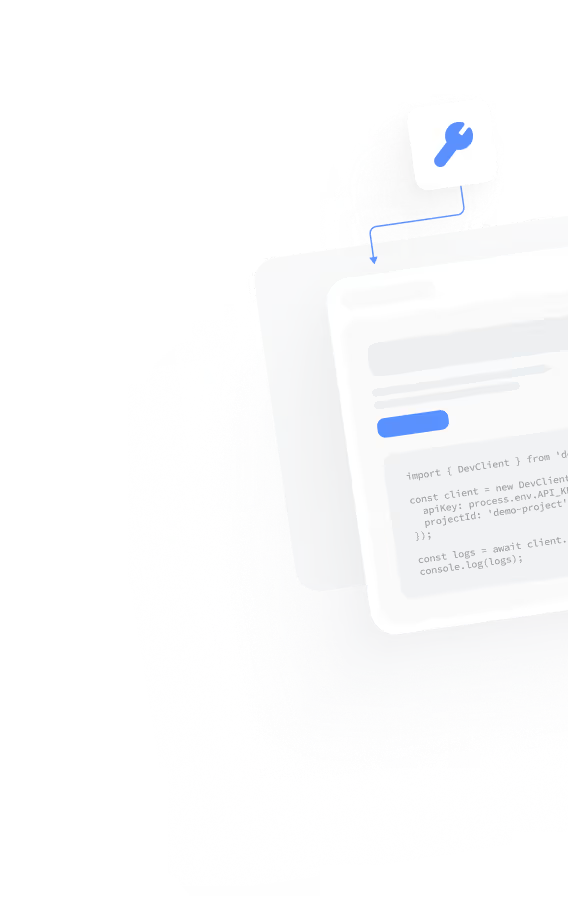
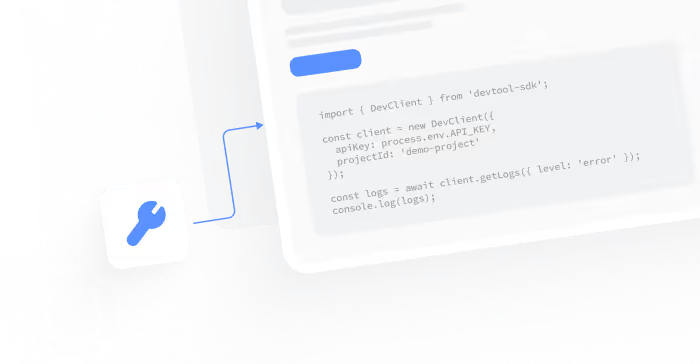
Show real usage through examples, APIs, and user interfaces. Side by side layouts, real code editors, and product screenshots help developers see how the tool works in practice.

Support evaluation across early stages with clear entry points, documentation links, blog posts, and open source references that build trust and confidence during technical decision-making.

Guide action with a clear call to action such as start building, view docs, or try the API. A strong hero section sets direction from the first screen and helps developers quickly choose the next step.
What Defines a High-Performing DevTools Website
We simplify devtools website design into clear principles. These principles are based on how developers evaluate, test, and use new tools. We consider their real workflows, technical environments, and daily development processes.
We focus on developer-first website design, not generic marketing pages. Content is structured for fast scanning and real evaluation, with technical clarity prioritized over persuasion. Developers should feel respected and confident exploring the product.
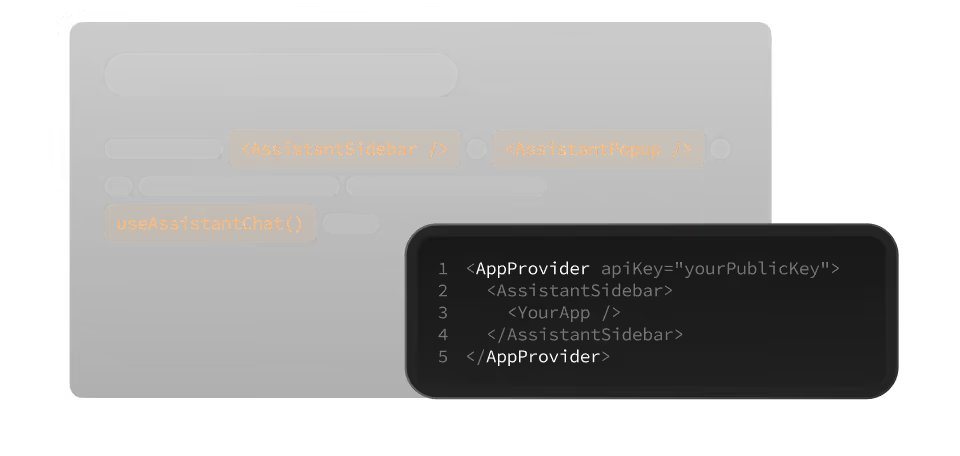
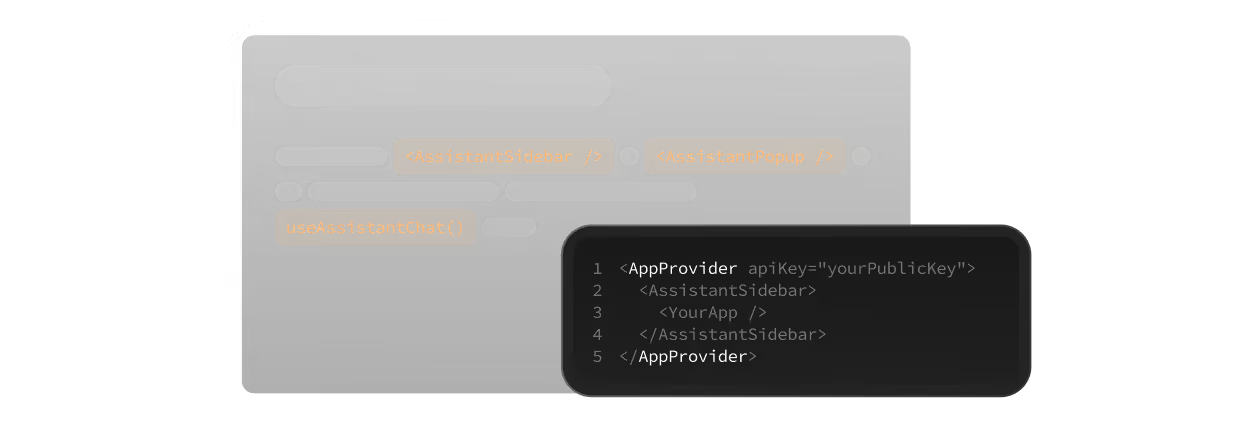
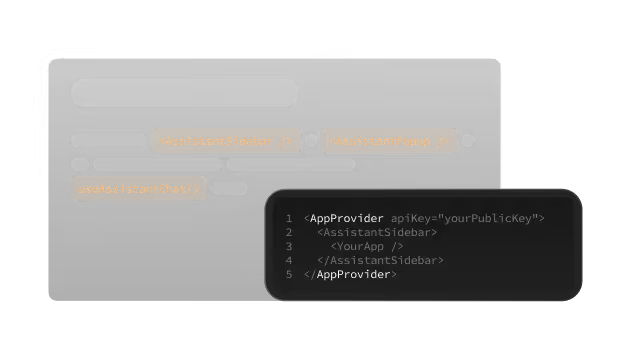
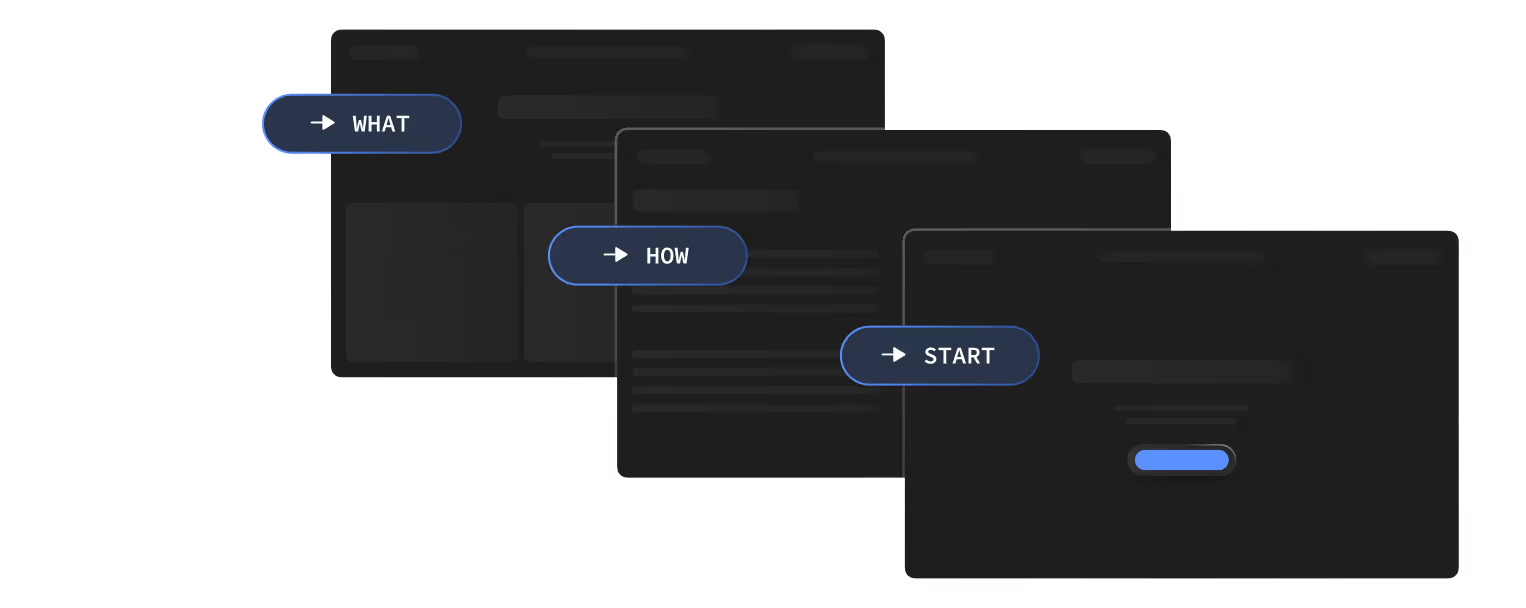
We design code-focused layouts that use snippets, examples, and visuals. Side by side sections, left side explanations, right side code blocks help developers connect concepts quickly.
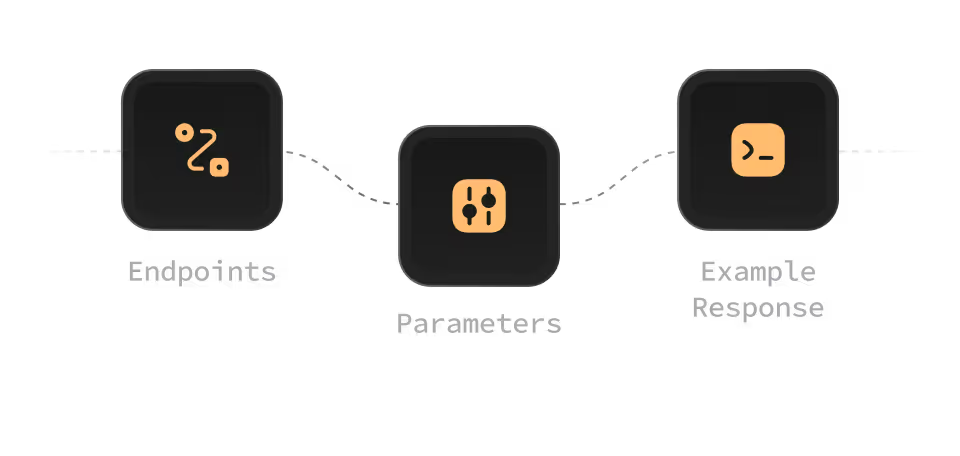
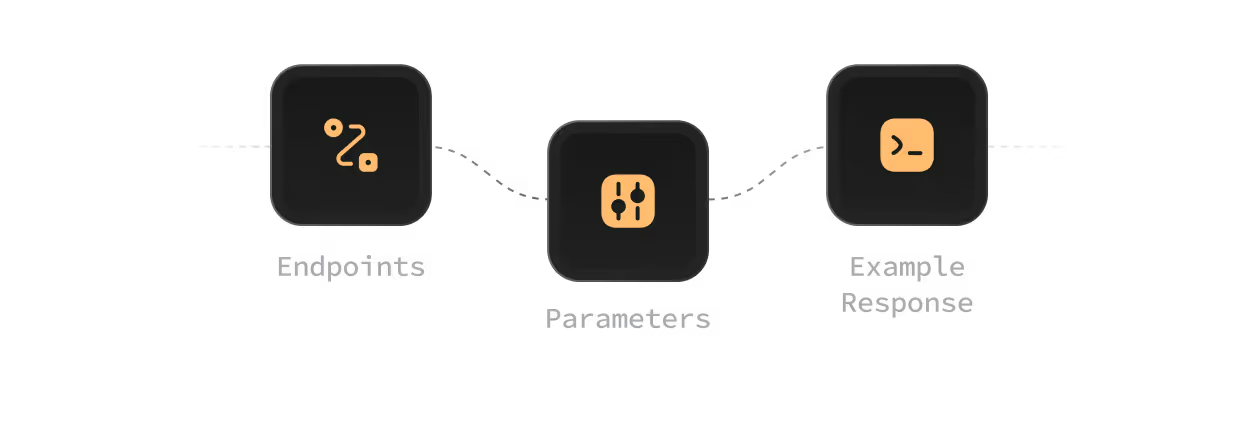
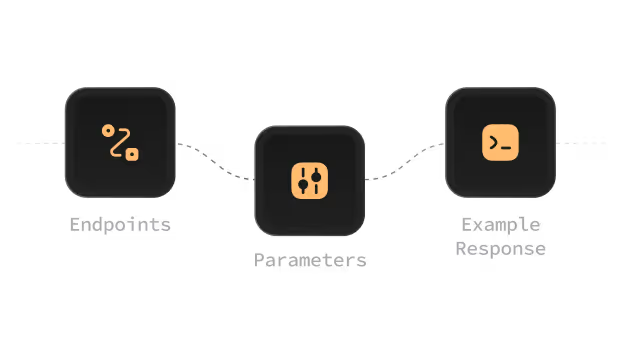
For teams building APIs, we design API platform websites that clearly explain endpoints and integration paths. Clear hierarchy helps developers move from overview to implementation.
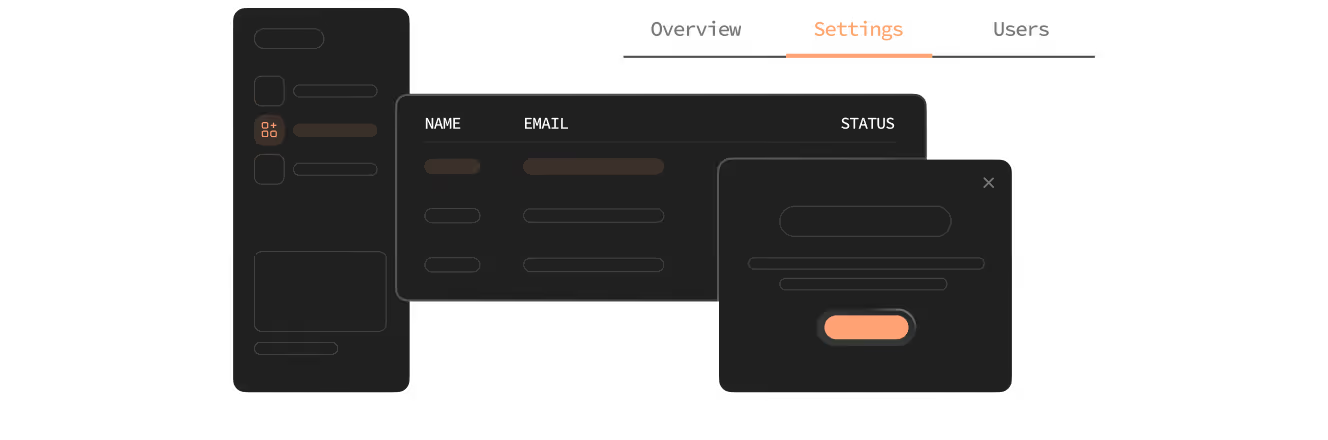
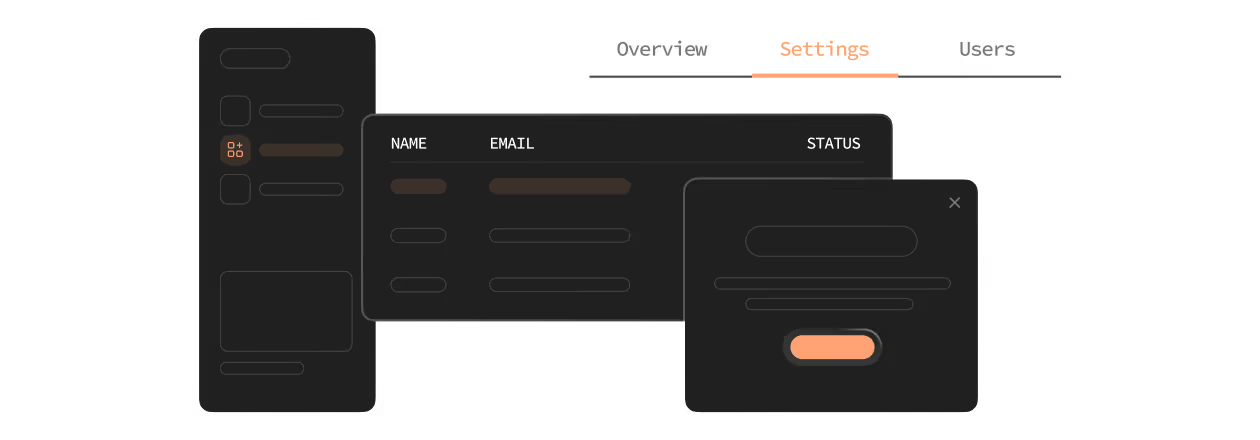
Good UX for dev tools reduces cognitive load and friction during evaluation and daily use. We create user interfaces that feel familiar to developers. We take ideas from code editors, dashboards, and modern web apps. This helps users navigate and test features.
A strong DevTools landing page focuses on clarity, not hype. We create landing pages that show what the tool does and why it is important in real development workflows. Each step has a clear call to action that helps developers begin building.
Our DevTools Website Expertise
We work with teams designing DevTools, APIs, and platforms across early stages and growth. Our experience spans open source projects, products, developer platforms, and API platform websites built for real-world adoption.
From DevTools to Market-Ready Website
We help teams move from a working dev tool to a clear, usable devtools website that supports evaluation, adoption:
- Clear value positioning for developers
- Code-focused structure and layouts
- Landing page and hero section built for scanning
- Side by side explanations and examples
Simple Structure for Developer Evaluation
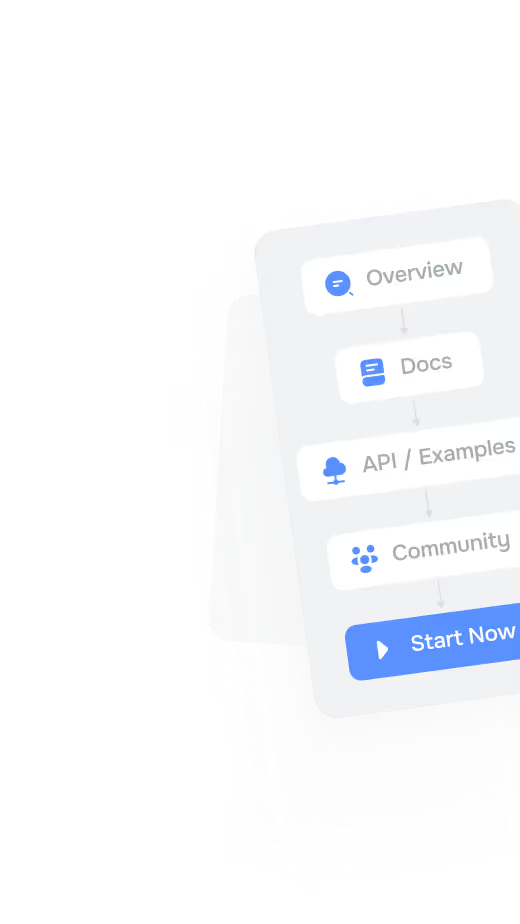
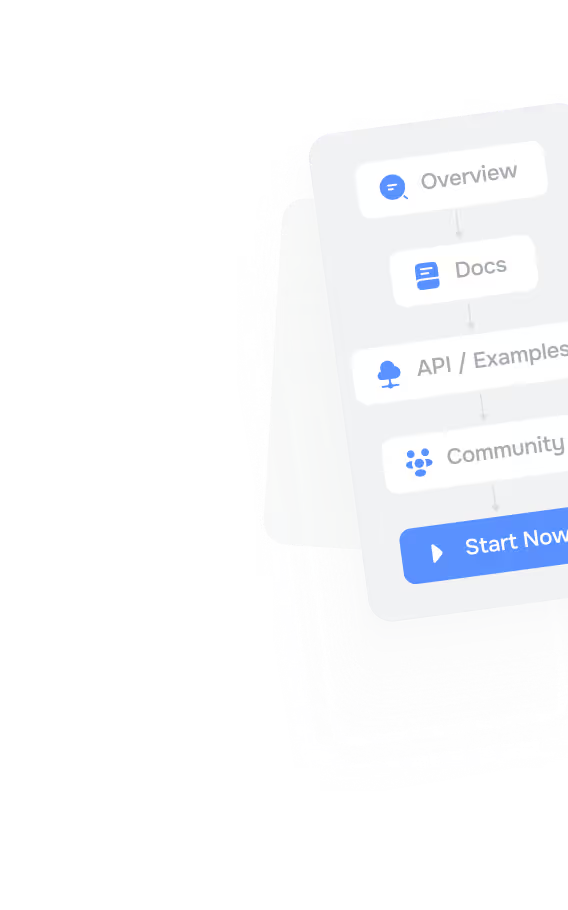
Developers evaluate fast and expect clarity. We design structure that supports quick understanding:
- Clear overview pages and landing page flow
- Documentation and blog post discovery
- Open source and community signals
- Predictable navigation across the web page
- Content that grows with the DevTool
Visual Systems That Feel Technical
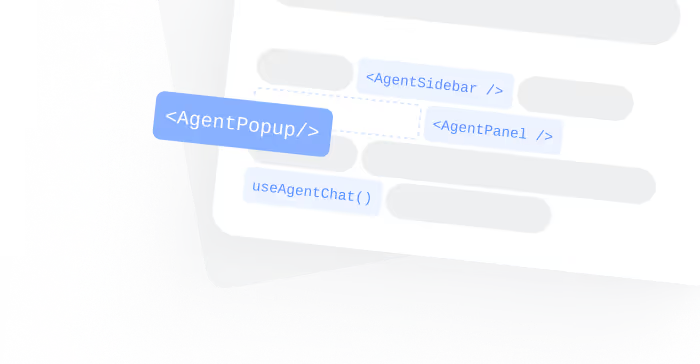
DevTools websites must feel technical, honest, and intentional. We design visual systems that prioritize clarity:
- Clean and minimal design
- Focused on content and code
- Aligned with real user interfaces
- Consistent across web apps and pages
- Easy to read in any web browser
Storytelling for Developer Products
We design DevTools websites around a clear technical story that explains value without guides developers toward action:
- What problem does the DevTool solve?
- Who is it for?
- How does it work?
- Why is it different?
- What should I do next?
Let’s Build Websites That Developers Trust
We design DevTools website design systems that explain products clearly, support adoption, and scale with real usage. Our focus is clarity, structure, and developer respect.
Selected DevTools Website Examples
We follow a structured design process that keeps teams aligned from concept to launch. Each phase moves with clarity, resulting in predictable delivery and websites that help convert developers into users through clear structure.



We rebuilt the entire site with Astro and Vanilla CSS, migrating from WordPress to a static-first architecture. Load time dropped by 60%, and the modular component system made page creation 4× faster.
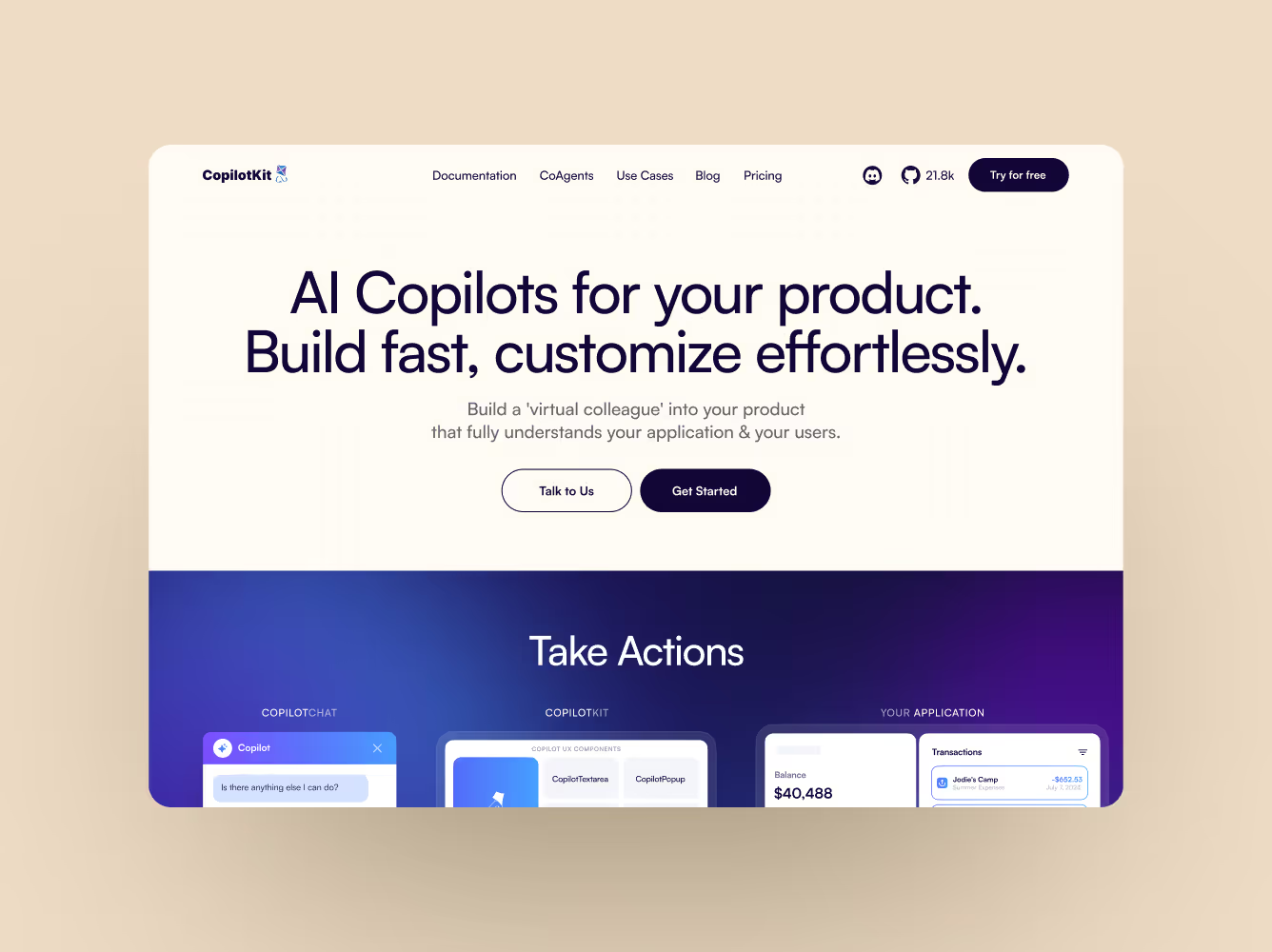
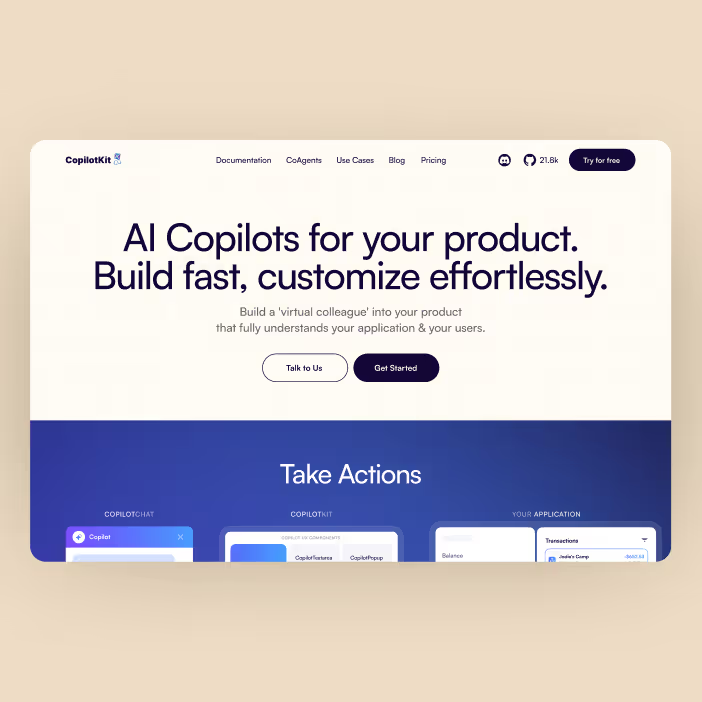

A complete design and animation system that explains complex technical details. We used After Effects for smooth movement. The scope included the website, video content, and social media assets.
Frameworks We Use to Evaluate DevTools Websites
We use clear frameworks to evaluate how well a devtools website supports developer understanding, technical evaluation, and long-term adoption across real workflows and use cases. These frameworks help ensure clarity and trust.

Clear headlines, code-focused layouts, and concrete examples help developers evaluate value without explanation or marketing noise.

Strong structure ensures new features, documentation, APIs, and blog posts can be added over time without breaking clarity.

Clear paths, transparent messaging, and authentic usage examples help developers feel confident adopting the tool in production.
How We Work With DevTools Teams
We follow a clear, practical design process built specifically for teams working on developer tools, API platforms, and technical products. The process is designed to support fast evaluation, real-world usage, and long-term adoption.
We align on the dev tool itself, the target developer audience, APIs, and real workflows. This ensures the website reflects how developers actually use the product, explore features, evaluate integrations, and decide where to start building in practice with confidence.
We define positioning, content structure, and messaging that explains the dev tool clearly without marketing noise. The focus is on technical clarity, fast scanning, predictable structure, and helping developers understand value within seconds of landing on the page.



We design UX flows and user interfaces that feel familiar to developers, borrowing patterns from code editors, dashboards, and modern web apps. This reduces cognitive load, supports quick learning, and enables confident, self-guided product exploration.
We design and build scalable systems using modern web development practices, clean HTML elements, and flexible layouts. This ensures performance, readability, accessibility, and visual consistency across every web page, screen size, and browser.
We launch quickly and prepare the website for continuous iteration as features, APIs, and documentation evolve. The structure supports updates, new use cases, onboarding improvements, and growth without breaking clarity or navigation over time.

What You Gain
Our DevTools website design process delivers scalable systems built for products that need to be evaluated.

Websites that explain dev tools clearly and honestly, showing what the product does and how it works.

Developer-first layouts that reduce friction by prioritizing scanning, technical clarity, predictable structure.

Stronger conversion through clear calls to action that guide developers toward starting or trying the API.

Pages that support adoption by explaining usage, setup, and value in a way developers can verify quickly.
FAQs
Everything you need to know about DevTools website design, developer-first UX, and how technical products are evaluated and adopted.
We work with teams building APIs, platforms and commercial developer products across early stages and growth. This includes API platforms, backend services, SDKs, internal tooling, and infrastructure products. Most teams need help translating complex systems into clear, usable devtools websites that developers can evaluate quickly and confidently.
Yes. We provide design and development as a single, connected process. This ensures the website reflects real product behavior, technical constraints, and actual developer workflows. By handling both together, we avoid gaps between visual design and UX.
Yes. We design DevTools landing pages and websites that focus on clarity, evaluation, and clear next steps. We help developers go from being curious to trying the product web page. We do this by showing real usage, APIs, examples, and documentation paths.
We design with respect for developers' time. Clear layouts, code-focused sections, real examples, and minimal marketing language help developers trust the product. The goal is not persuasion, but understanding, letting the product prove itself through structure.